Commercial equipment is not judged only by what happens when everything works. Operators also need to know what happens when a machine will not connect, a menu item does not scan, a unit arrives damaged, or something stops working.
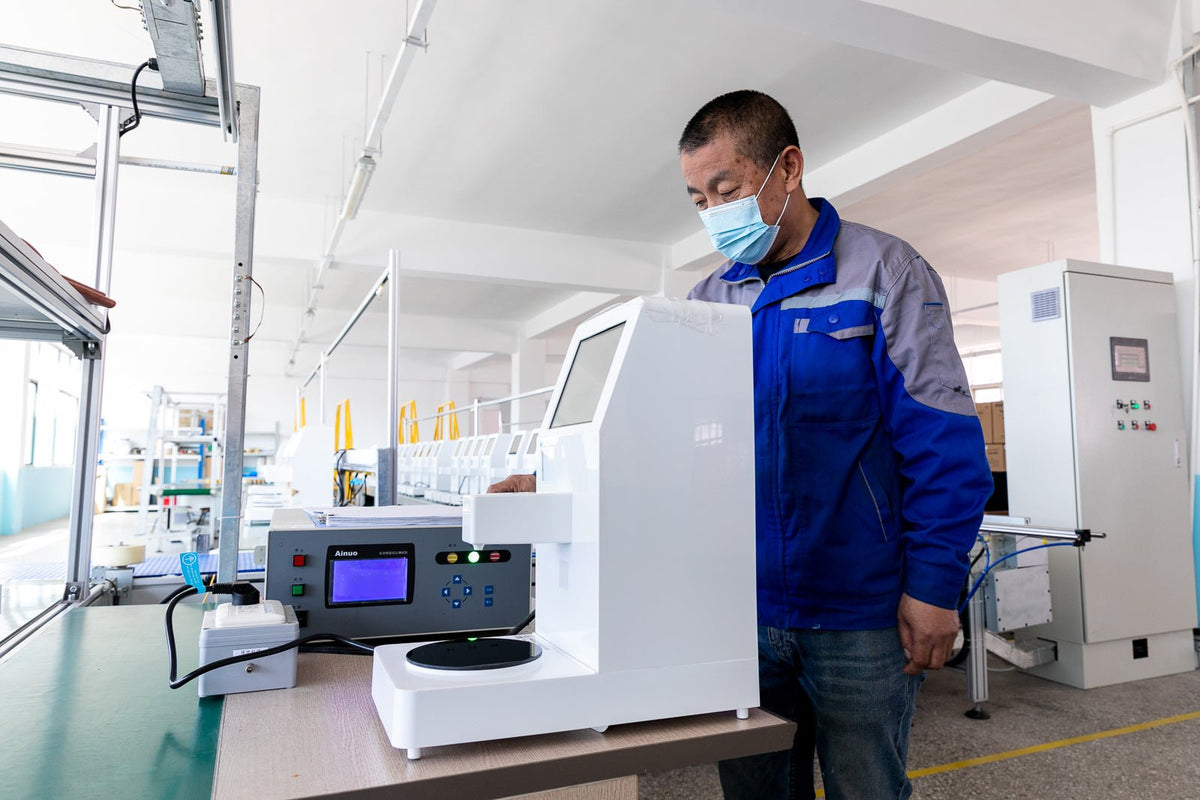
NEO CUCINA Pro includes a one-year warranty, and NEO CUCINA Studio includes a two-year warranty. Every case starts with remote troubleshooting so we can tell whether the issue comes from setup, network connection, software, configuration, shipping damage, or the machine itself.
What Support Can Include
- Setup and network troubleshooting
- Remote review of connected device status when the Pro is powered on and online
- Menu, barcode, and QR cooking-program updates (Pro)
- Software and configuration guidance
- A whole-machine replacement when a confirmed fault cannot be fixed remotely
- Ongoing technical support after the warranty period ends
How Remote Troubleshooting Works
Many support cases can be solved without returning the machine. We may ask for the device number, photos, a short video, the last successful operating step, or details about the power, water, and Wi-Fi setup.
Connected diagnostics require the machine to be powered on and connected to the internet. NEO CUCINA Pro uses 2.4 GHz Wi-Fi. A network that appears on the screen is not necessarily connected to the internet, so connection details matter.
Remote diagnostics apply to the Pro. The Studio runs offline, so Studio cases are handled with photos, a short video, and a description of the issue.
Menu and Scan Support (Pro)
If an operator wants to add a packaged product with a barcode, send us clear product photos, barcode information, and the intended cooking method. We can review the product and add a compatible cooking program when appropriate. Operators can also configure on-screen cooking buttons for custom products that do not use a supported barcode.
When the Machine Itself Has a Fault
If remote troubleshooting cannot fix a confirmed fault during the warranty period, we replace the whole machine. You do not wait on spare parts or repair visits.
After the warranty ends, we keep providing technical support and remote troubleshooting. If a fault in the machine itself, not misuse or incorrect operation, still stops it from working and troubleshooting cannot fix it, we still replace the machine. We do not sell individual spare parts.
If Your Order Arrives Damaged
We replace damaged machines and resend damaged bowls or lids. Please send photos of every side of the carton, the shipping label, and the damaged area, and keep the packaging so we can file a claim with the carrier.
Returns and Shipping
- You can return a machine for any reason within 30 days of delivery, in its original packaging and resalable condition.
- We provide the US return label, and there is no restocking fee.
- Unopened bowls and lids can be returned within 30 days. Opened bowls and lids cannot be returned because they are food-contact items.
- Shipping is free within the US mainland, and orders typically arrive 3 to 8 business days after they ship.
What the Operator Still Needs to Manage
Warranty and technical support do not replace normal cleaning, water-quality management, descaling, correct electrical setup, compatible cookware, or daily station care. Damage caused by incorrect setup or use is evaluated separately from a product fault.
How to Get Faster Support
When contacting support, include:
- Order number or purchaser name
- Which model you have (Pro or Studio)
- Machine device number (Pro)
- A short description of what happened
- Photos or video showing the issue
- Whether the unit powers on and, for the Pro, connects to 2.4 GHz Wi-Fi
Visit NEO CUCINA Support for setup help, troubleshooting, and contact options.
Share:
Food Safety for Self-Serve Ramen Stations: Equipment and Operator Responsibilities
How to Build a Topping Station for a Self-Serve Ramen Bar